

Home Assistant Companion App for Windows
HACAW
HACAW connects your Windows PC to Home Assistant like a real companion app, not just a browser tab. Sign in once, and start receiving instant notifications, monitoring your PC, viewing dashboards, and running automations right from the desktop.
Built on the official Home Assistant APIs, HACAW keeps your credentials securely encrypted on your machine and gives you full control over which features are active.

HACAW
Home Assistant Companion App for Windows
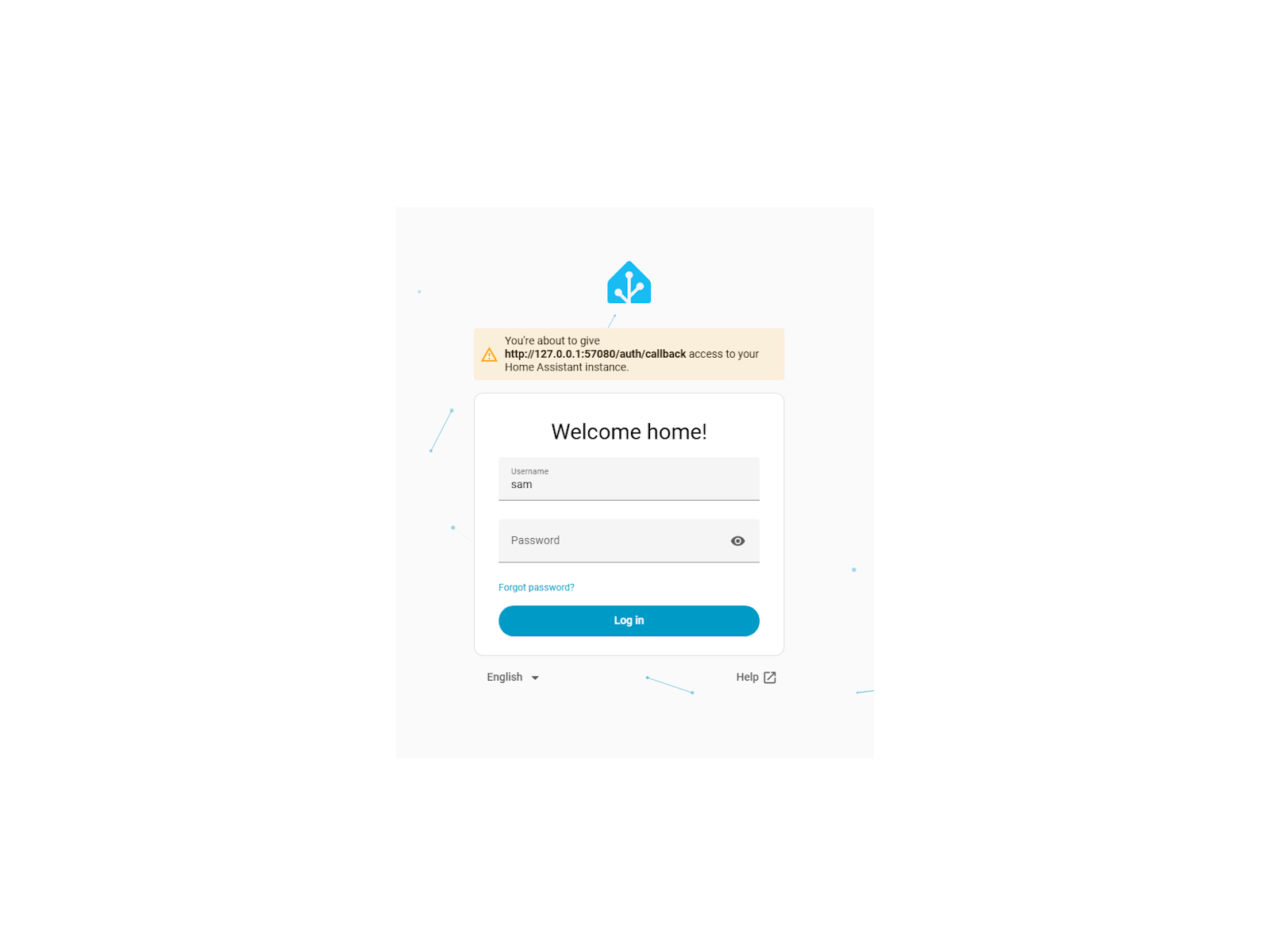
Secure one-click sign-in
Your Windows PC becomes a first-class Home Assistant device, with no add-ons or custom integrations required.
Real-time push notifications
No more missing alerts. Notifications pop up instantly, just like on the mobile companion app.
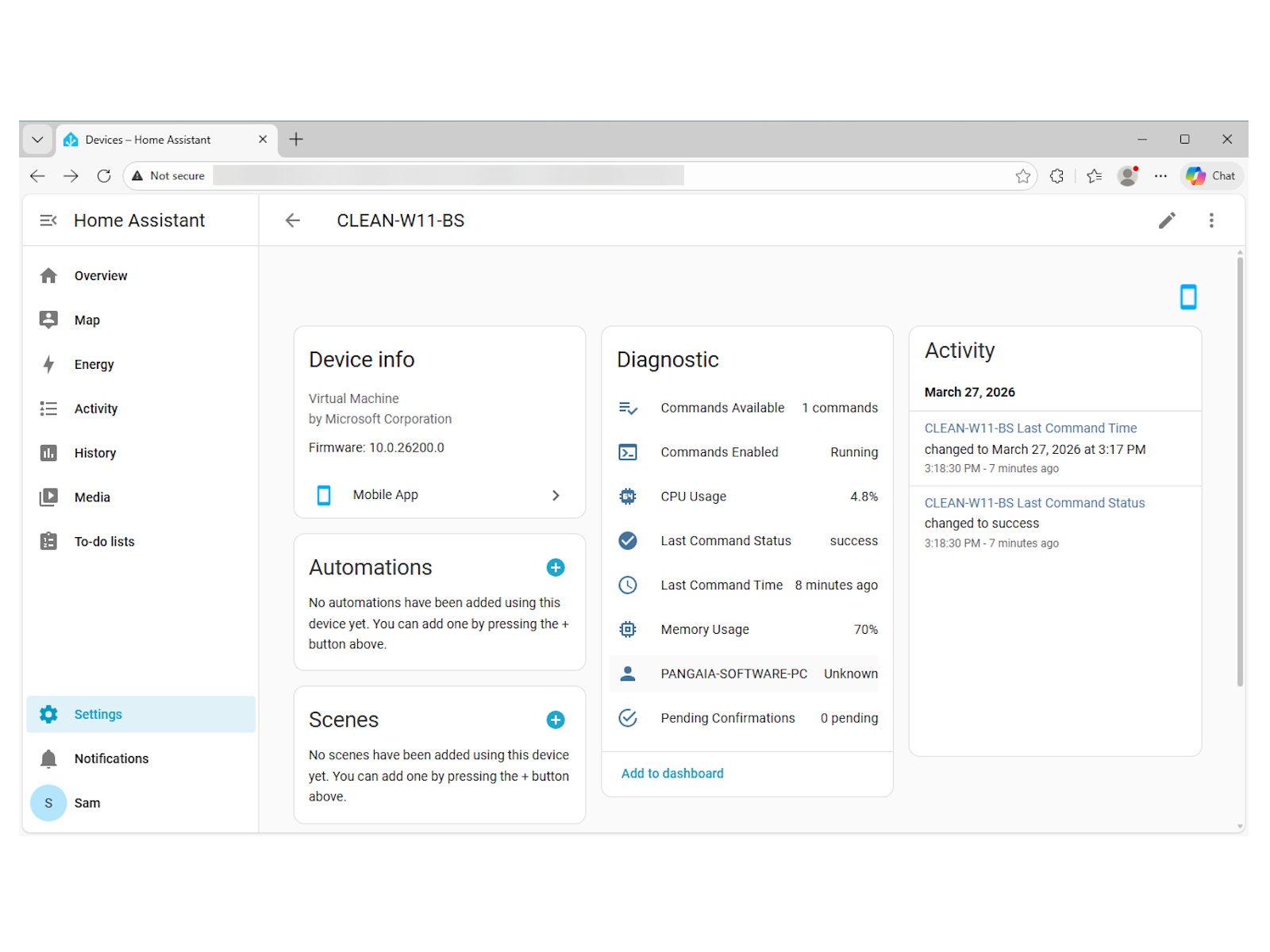
PC health sensors
Build automations that react to your PC, like dimming lights when the laptop battery is low.
Why it matters
Using Home Assistant in a browser means no push notifications, no system monitoring, and no way to trigger desktop actions remotely. HACAW gives your Windows PC the same companion-app experience that phones have had for years.
Key features
What HACAW does best
The most important things HACAW brings to your desktop.
Secure one-click sign-in
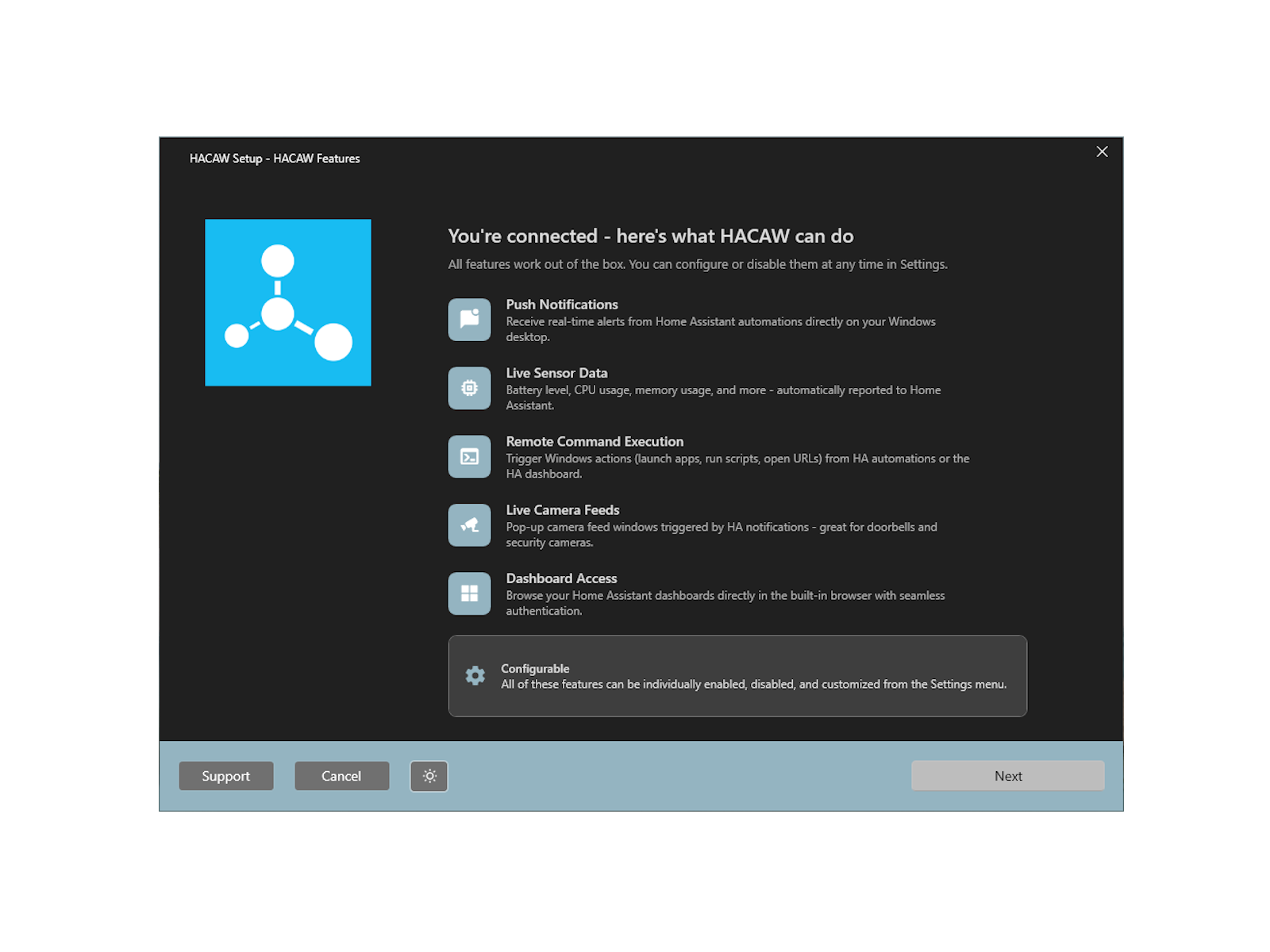
Sign in to your Home Assistant instance and your PC is automatically registered as a companion device. Your Windows PC becomes a first-class Home Assistant device, with no add-ons or custom integrations required.
Real-time push notifications
Receive Home Assistant notifications directly on your Windows desktop the moment they happen. No more missing alerts. Notifications pop up instantly, just like on the mobile companion app.
PC health sensors
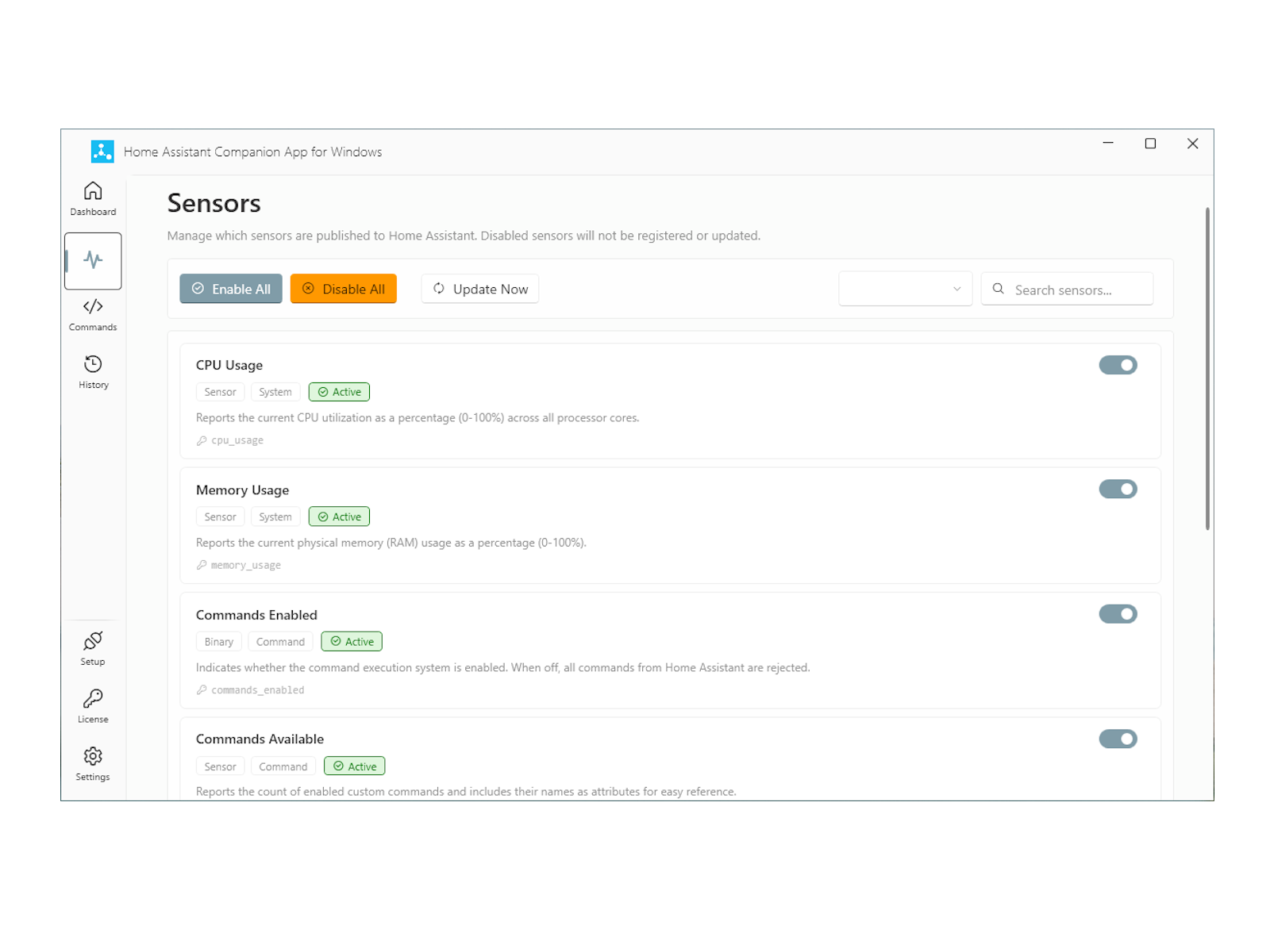
Reports battery level, CPU usage, memory, and more to Home Assistant as live sensors. Build automations that react to your PC, like dimming lights when the laptop battery is low.
Remote desktop actions
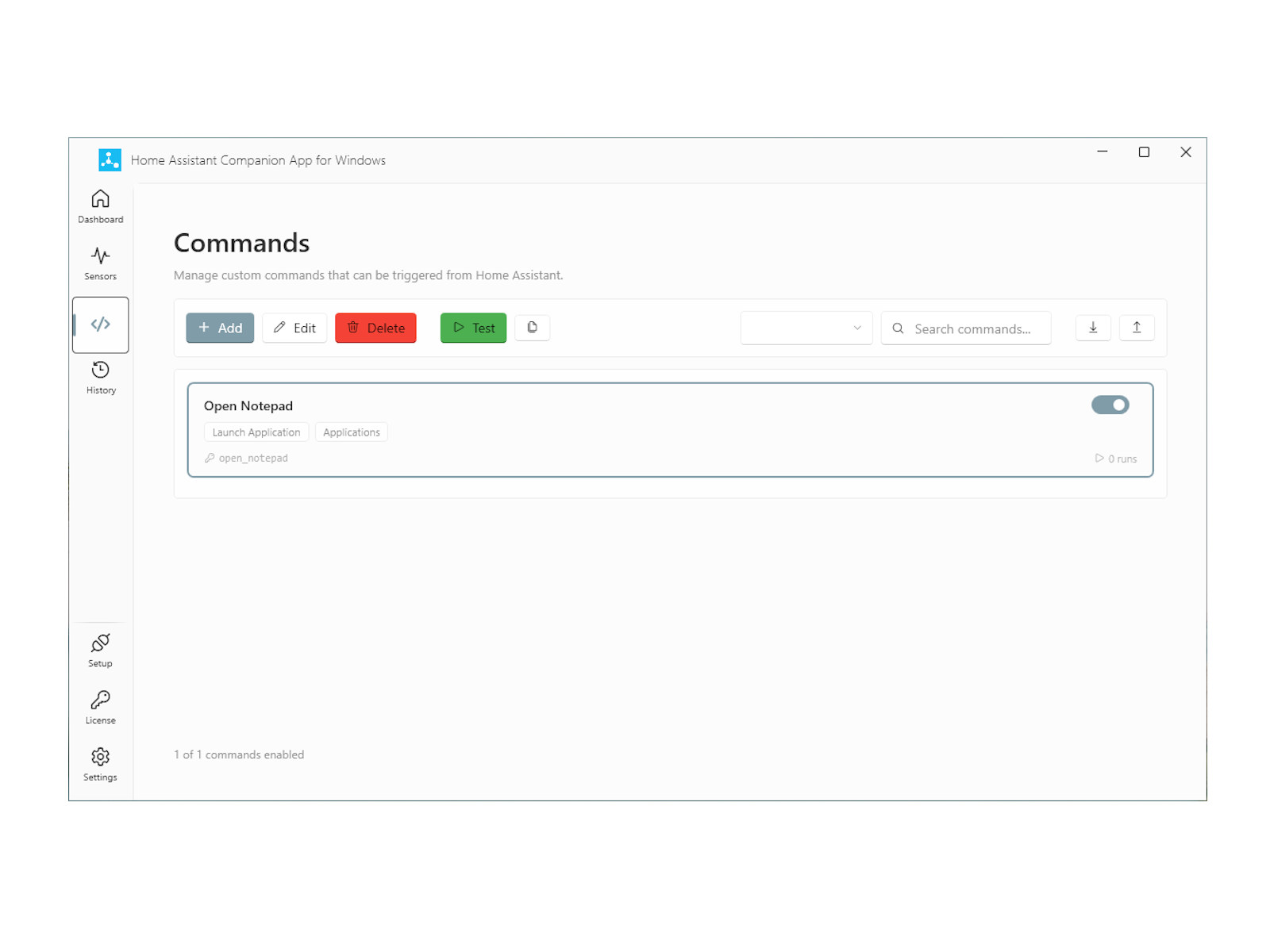
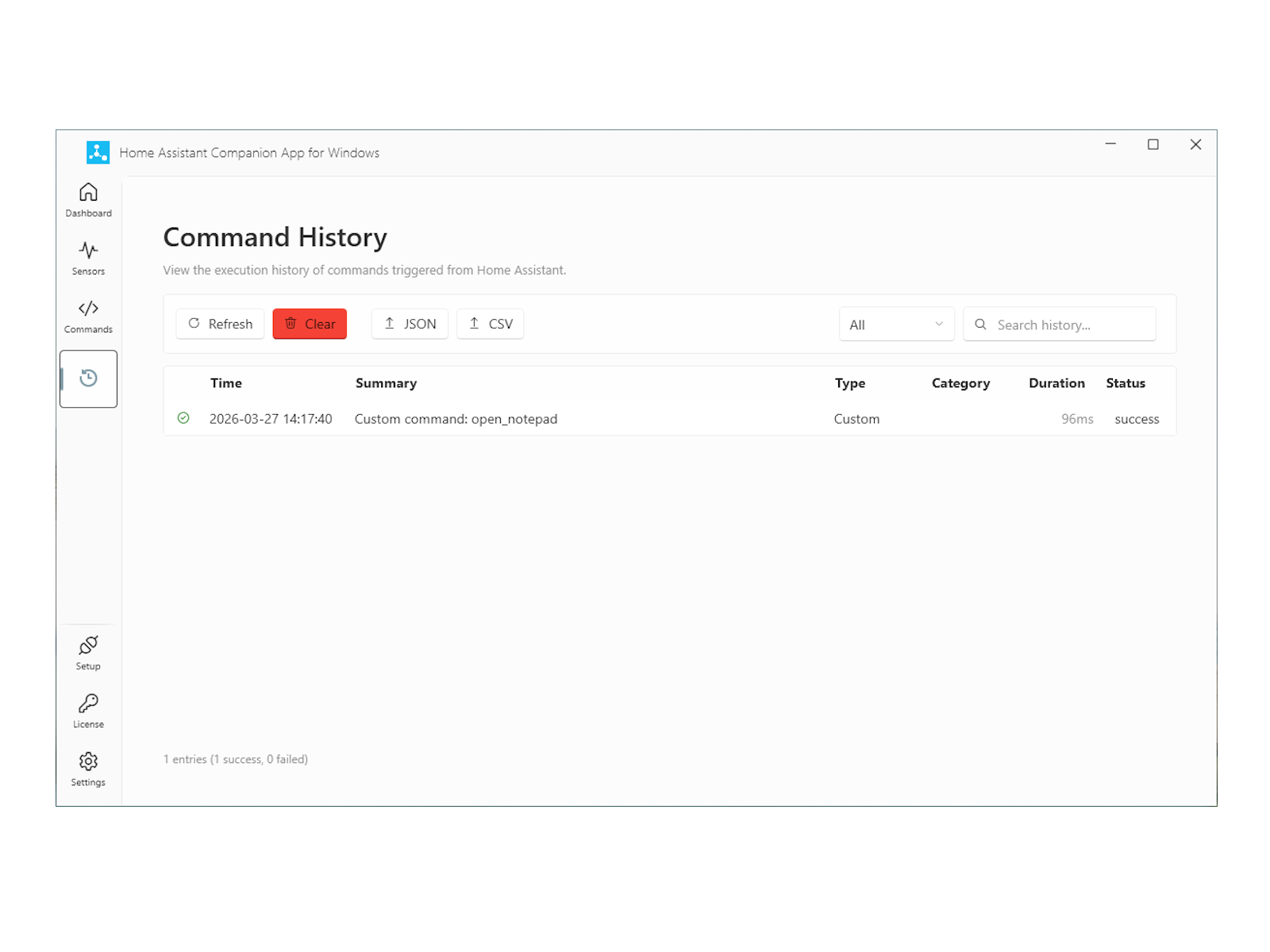
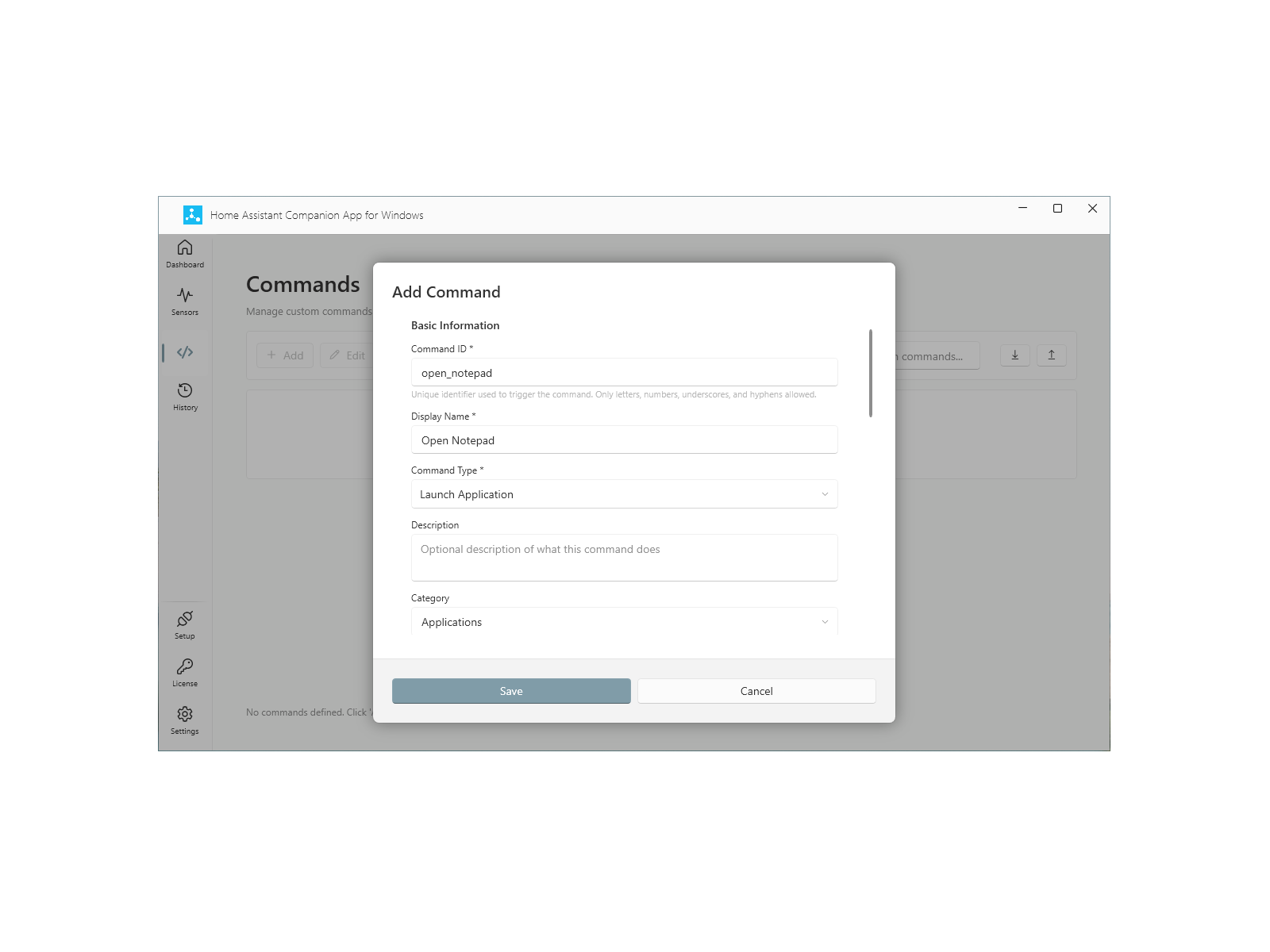
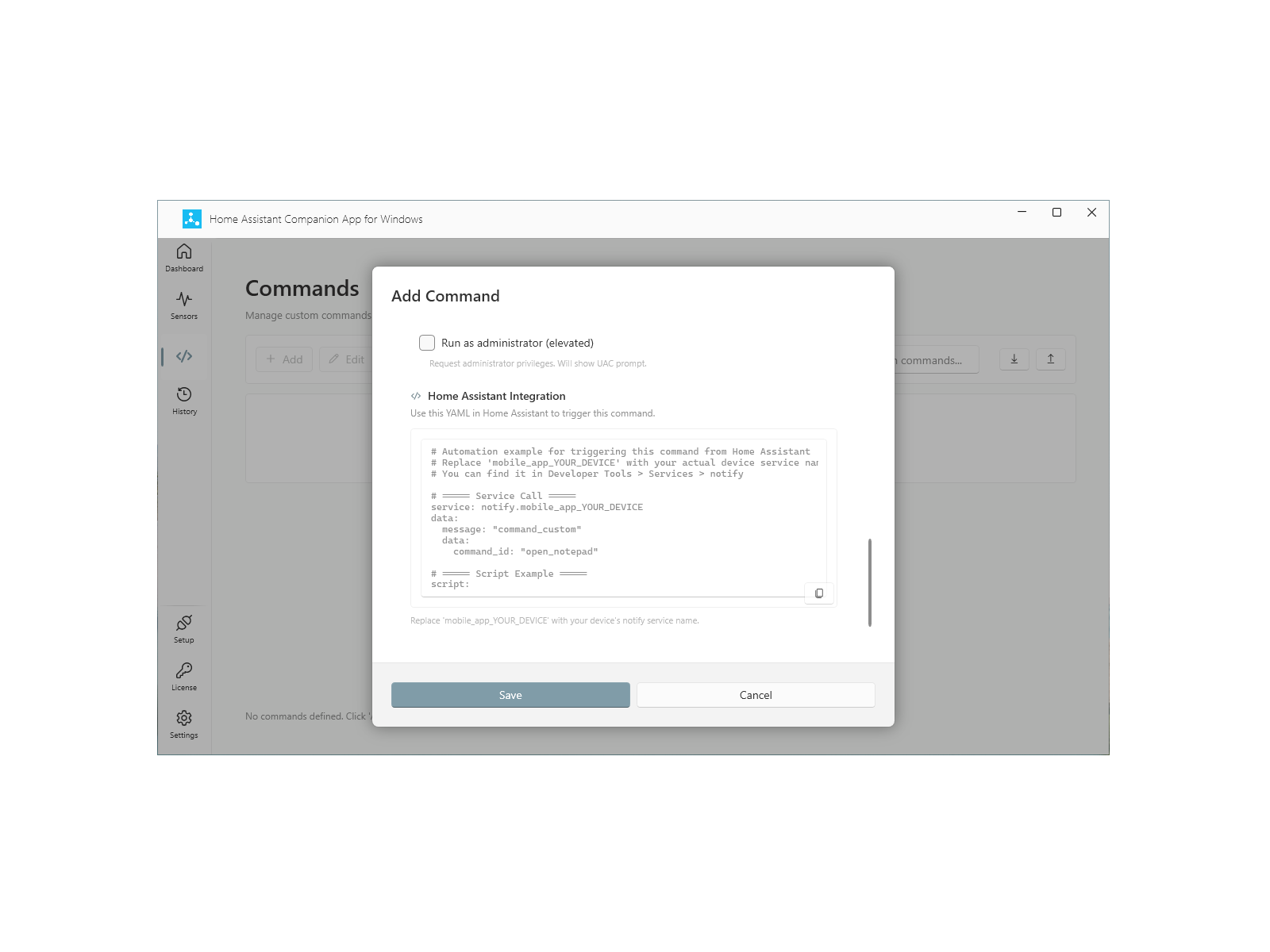
Launch apps, open URLs, run scripts, and trigger custom workflows on your PC - all from Home Assistant. Your PC becomes part of your smart home, not just a viewer.
Dashboards and live camera feeds
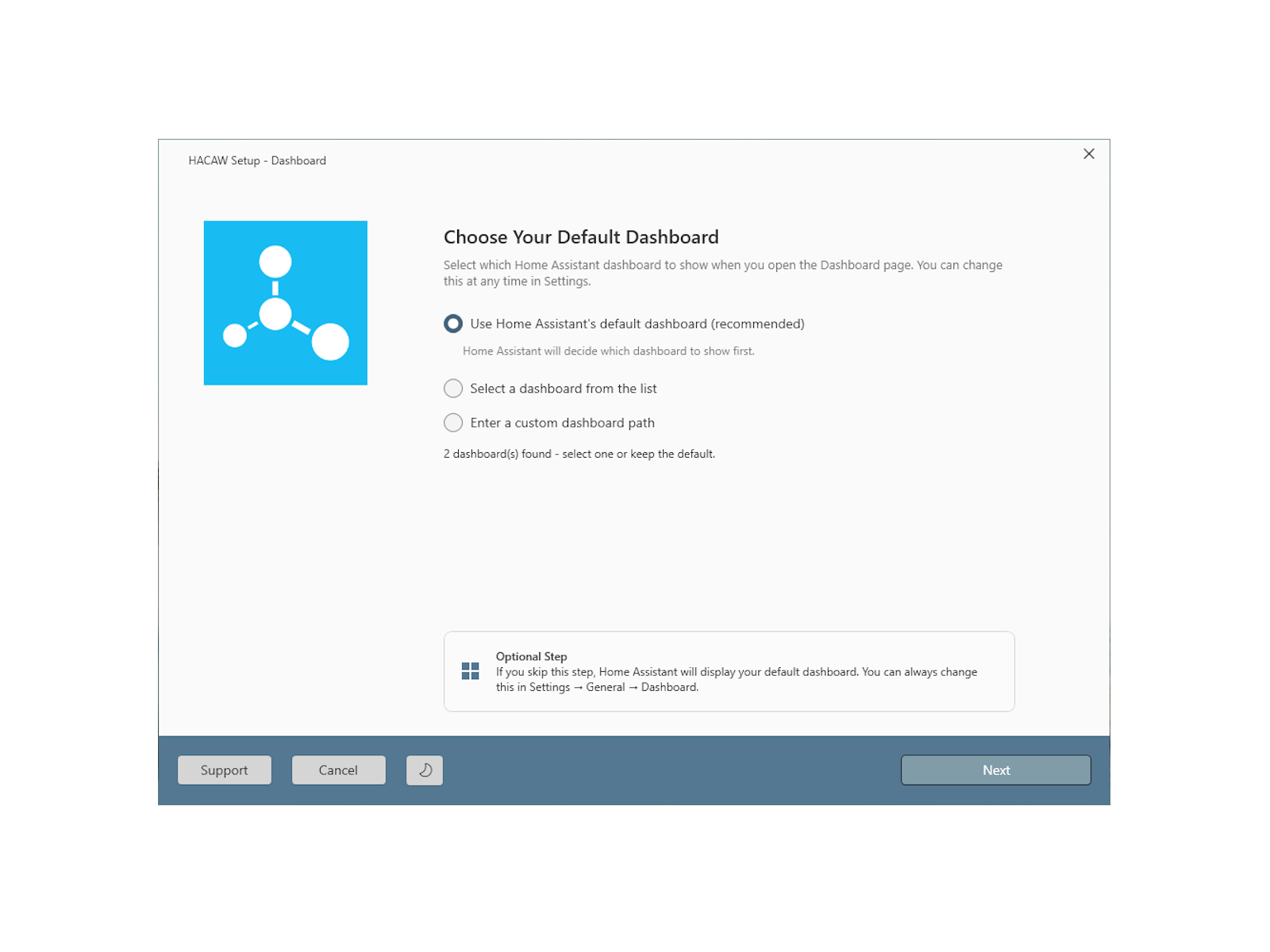
Access your Home Assistant dashboards and open live camera windows right from the desktop. One app for dashboards, notifications, and camera events - no browser tab needed.
See it in action
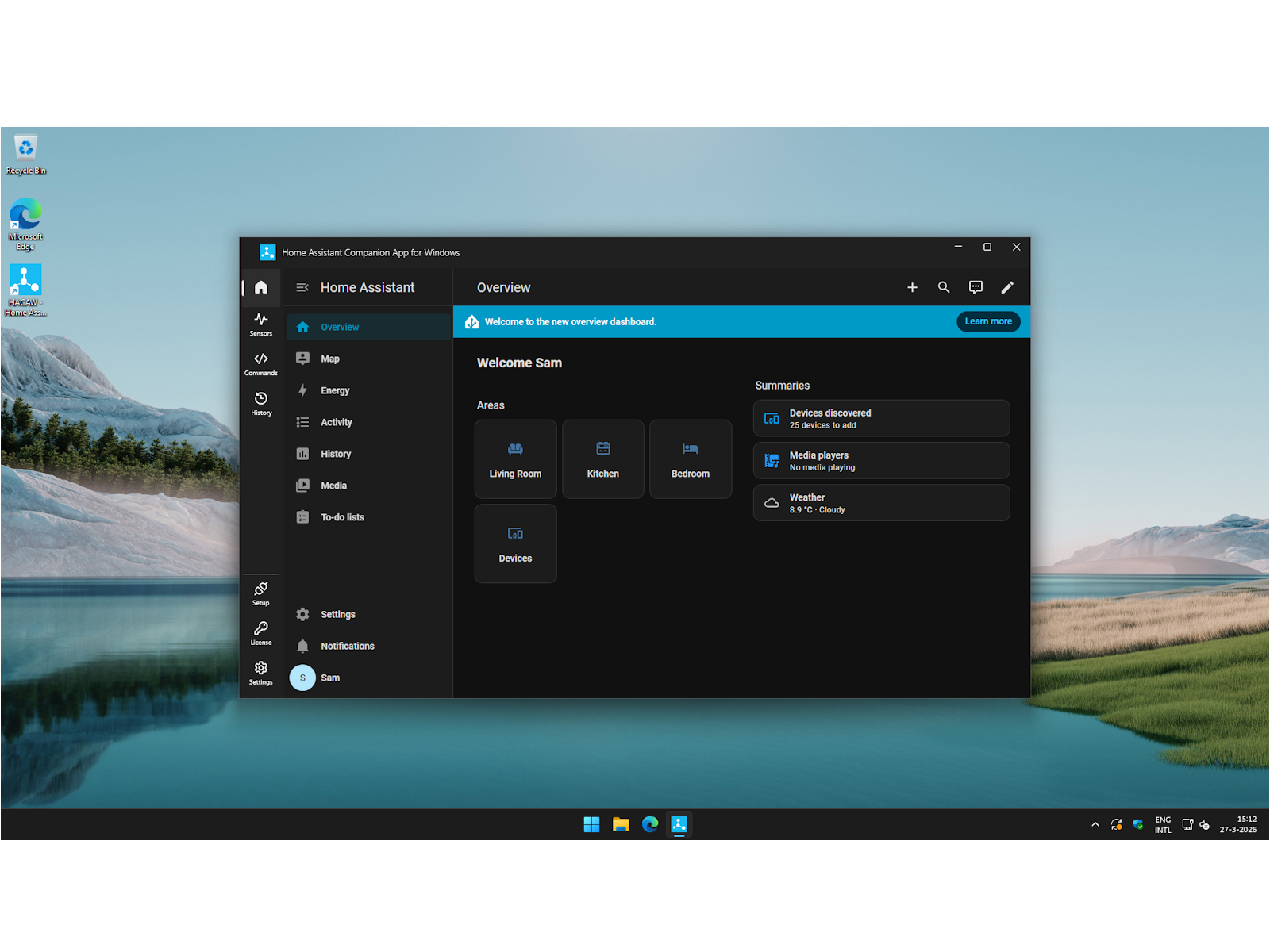
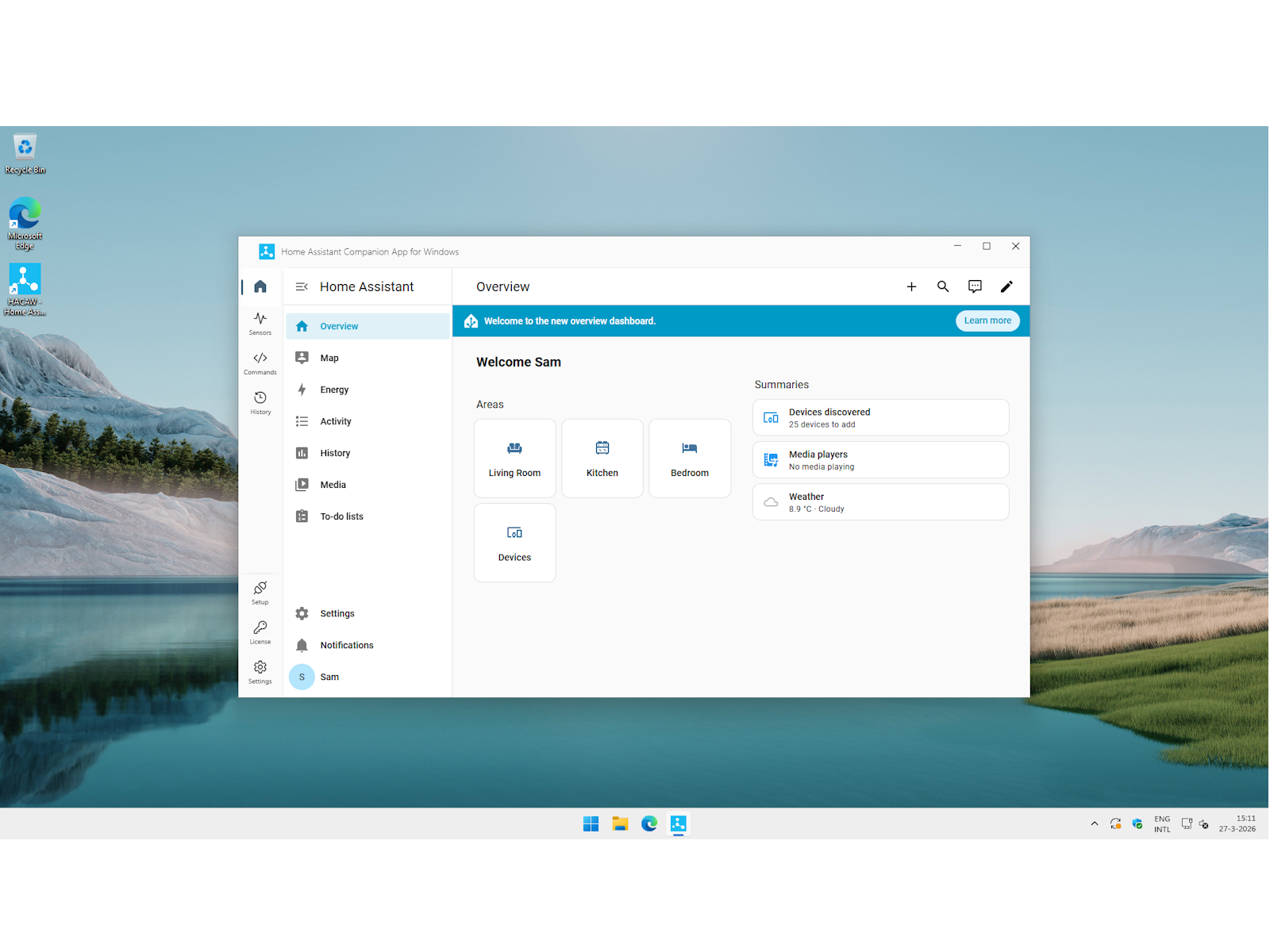
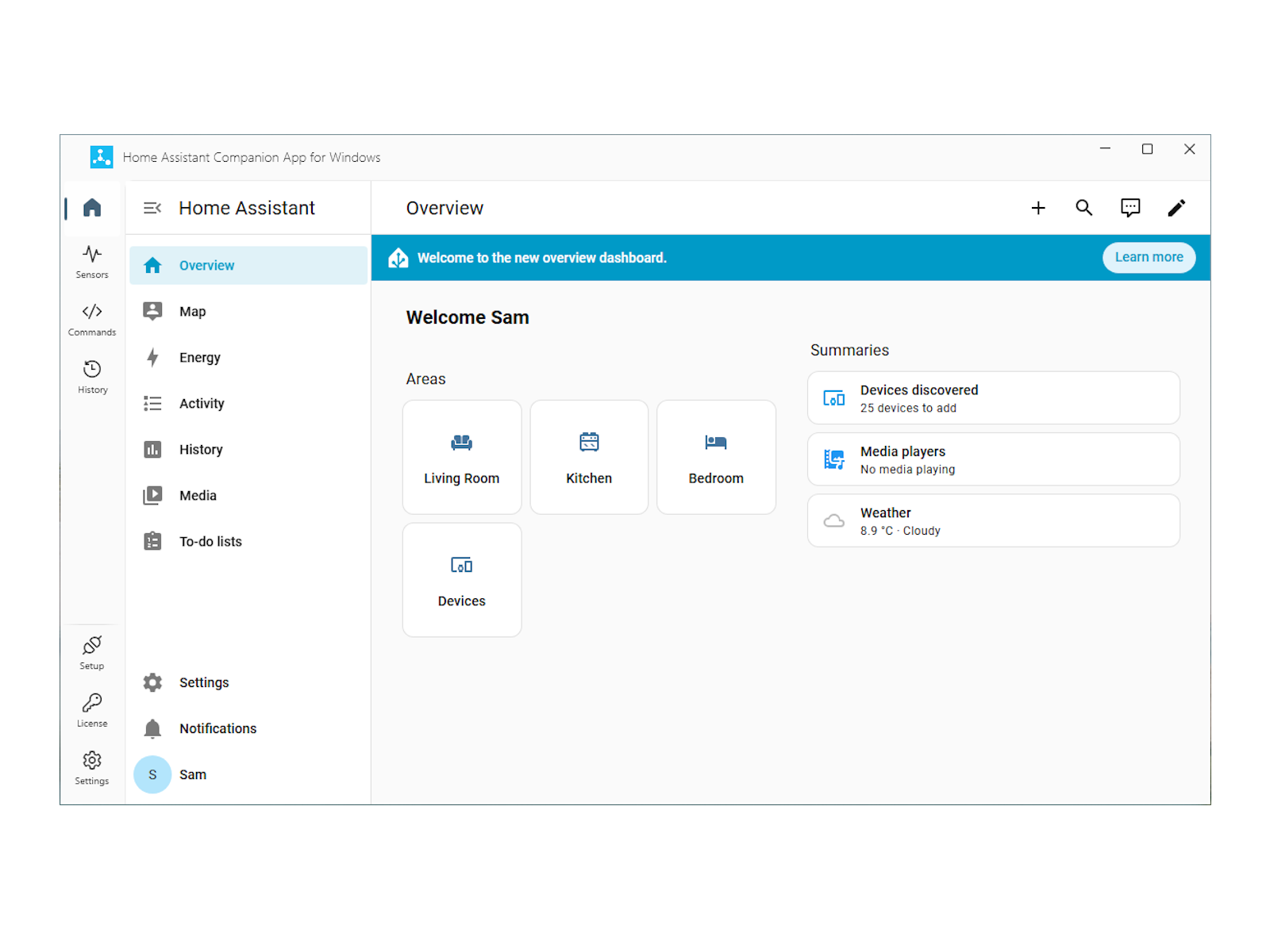
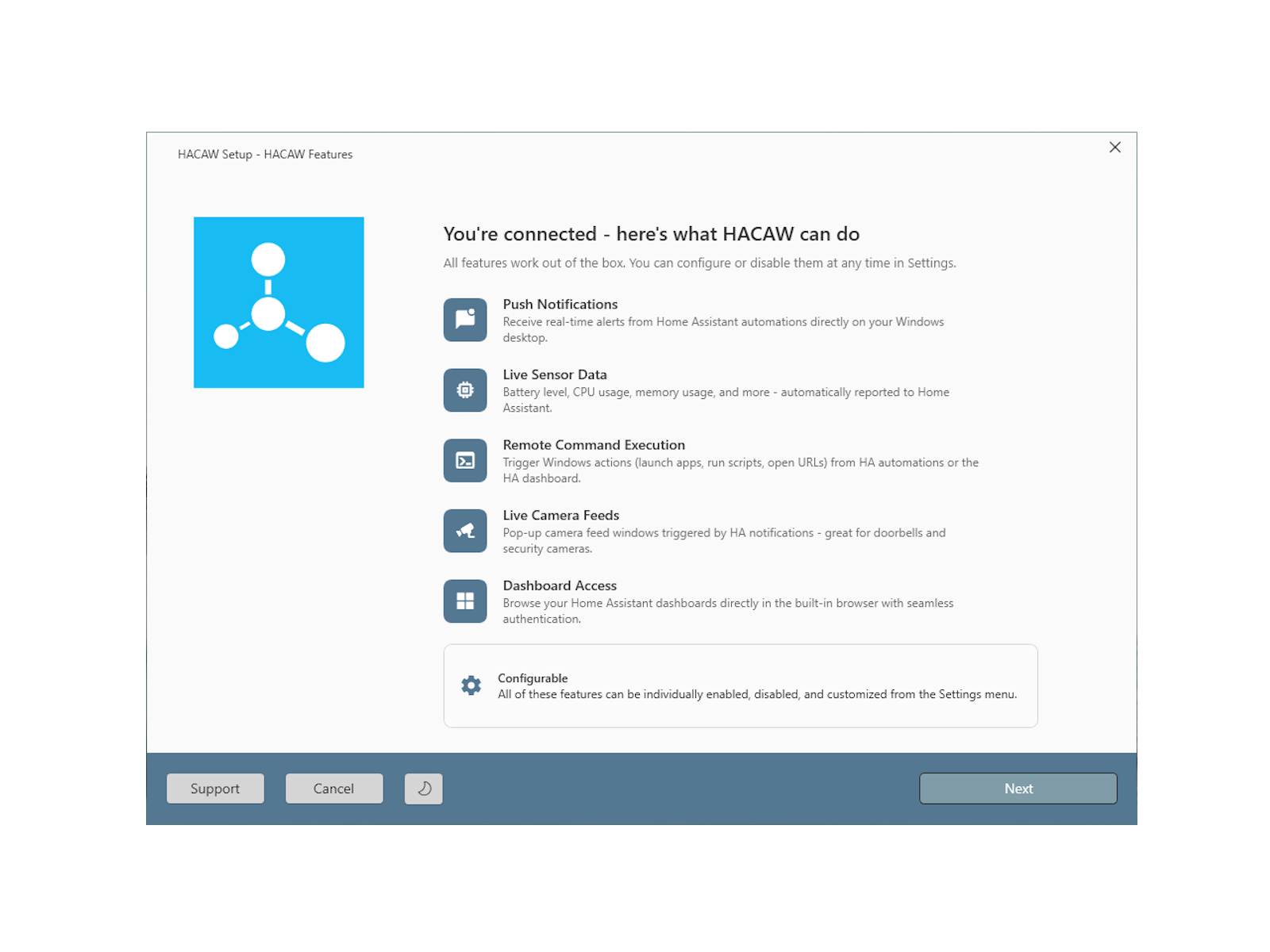
What HACAW looks like
How it works
Get up and running in minutes.
Connect to Home Assistant
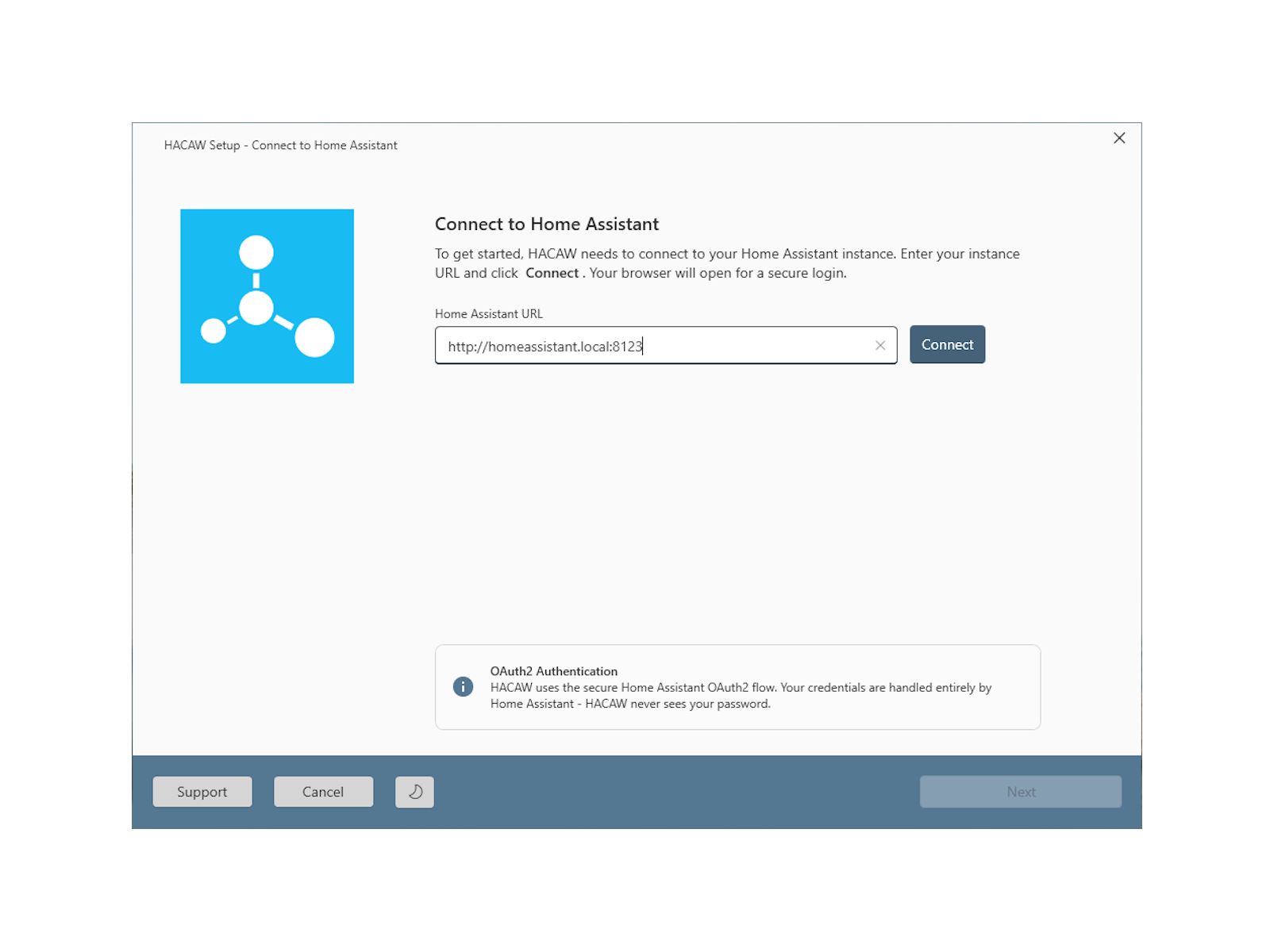
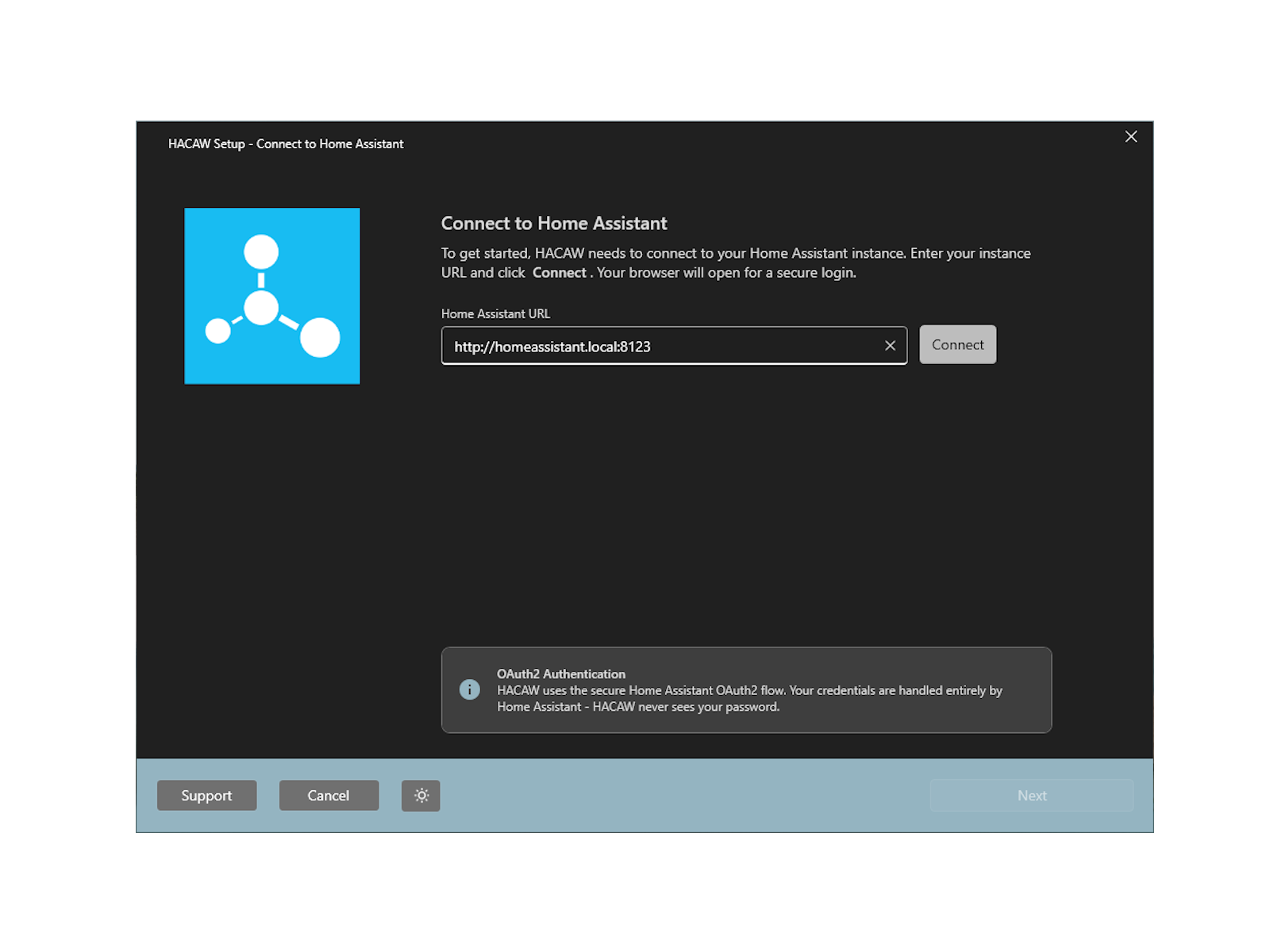
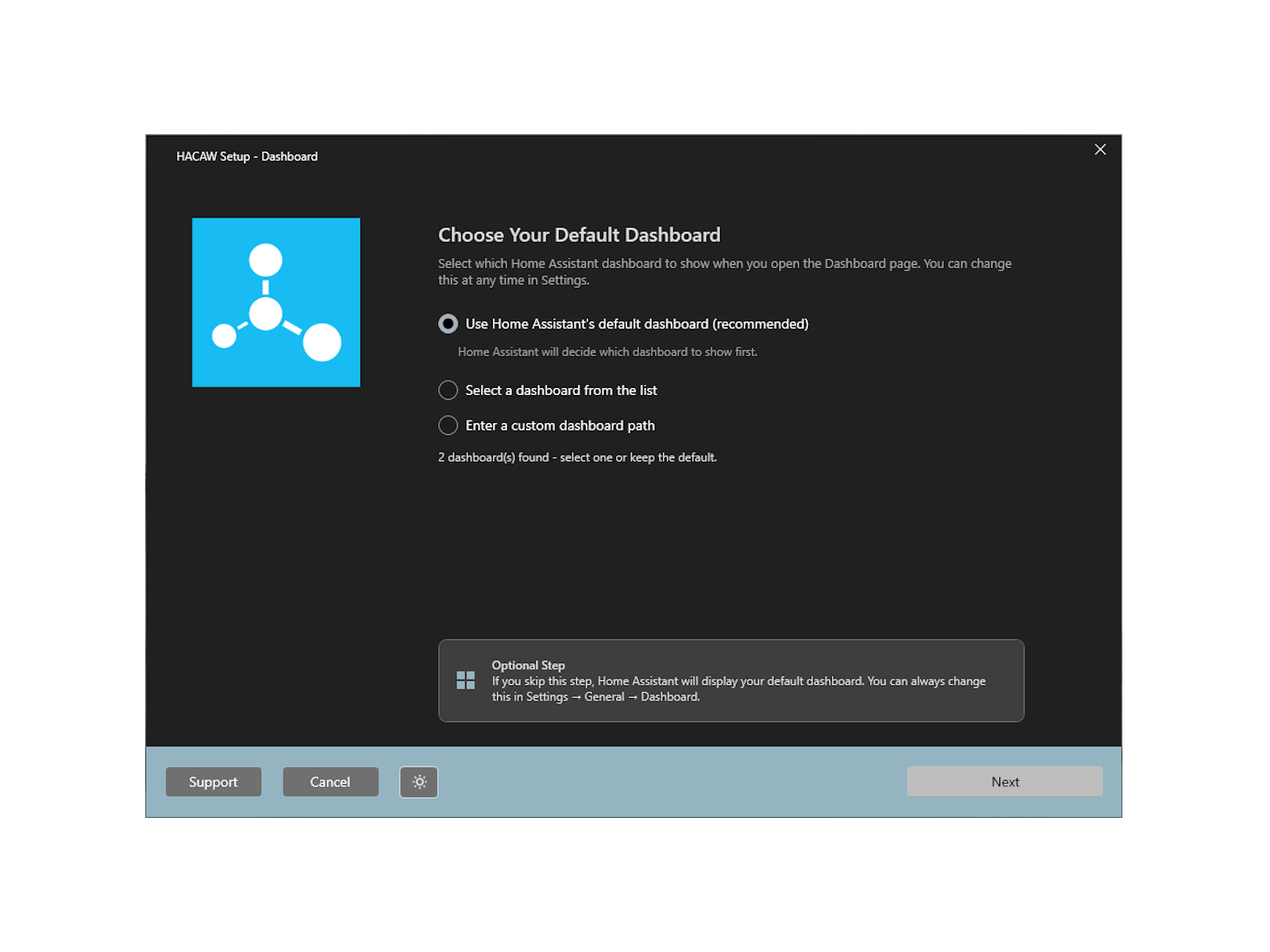
Enter your Home Assistant URL, sign in, and HACAW registers your PC automatically.
Pick your features
Choose which notifications, sensors, and remote actions you want. Everything else stays off.
Get instant desktop notifications
Notifications appear on your desktop in real time, dashboards stay signed in, and camera feeds pop up when triggered.
Control your PC from Home Assistant
Launch apps, run scripts, and trigger workflows on your PC - all from your Home Assistant automations.
Technical highlights
Official Home Assistant APIs
HACAW uses OAuth2, REST, WebSocket, and webhook flows from the documented mobile_app ecosystem.
Windows DPAPI credential storage
OAuth tokens are encrypted at rest and bound to the current Windows user account.
Opt-in command safety model
Remote command execution is off by default and protected by multiple explicit safety controls.
Local-first data handling
No telemetry or analytics; external communication is limited to Home Assistant and update endpoints.
FAQ
Common questions about HACAW
Does HACAW require HACS or add-ons?
No. HACAW uses the official Home Assistant Companion App API.
Can it work with Home Assistant OS, Container, Supervised, and Core?
Yes, all Home Assistant installation methods are supported.
Is my data sent anywhere other than my own Home Assistant instance?
No telemetry or usage data is collected. External communication is limited to your Home Assistant instance plus our licensing (only once) and update endpoints.
Why are commands disabled by default?
Remote command execution is powerful, so HACAW requires explicit opt-in before it becomes available.
Does it work when my PC is asleep?
Notifications, sensor updates, and commands require the PC to be awake and connected.
How is it different from using Home Assistant in a browser?
A browser tab cannot receive push notifications, report Windows metrics, execute local commands, or open live camera windows the way HACAW can.
Ready to keep exploring HACAW?
Jump into the detailed feature breakdown, documentation, or download information depending on what stage of evaluation you are in.